

Turn any photo into a talking avatar
Upload a face, pick a voice, write a script — get a lifelike talking avatar video in minutes. No camera, no studio, no filming.
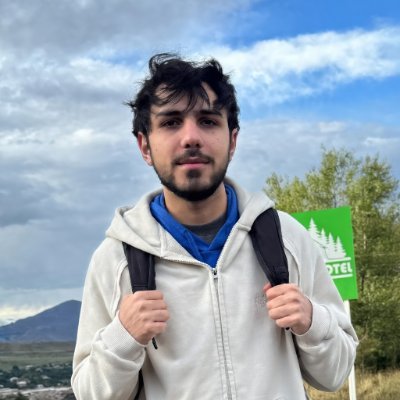
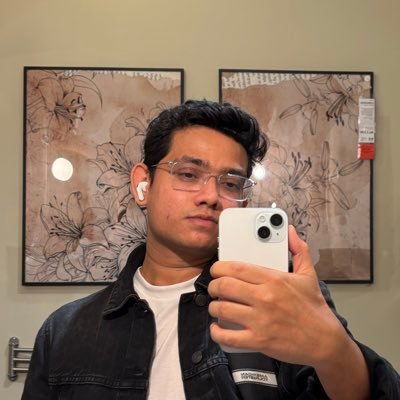
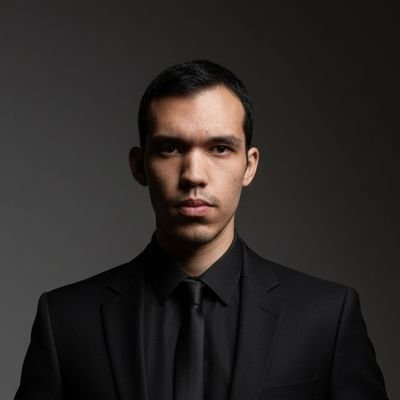
Upload a photo
Use your own face or any photo — no camera or filming required.
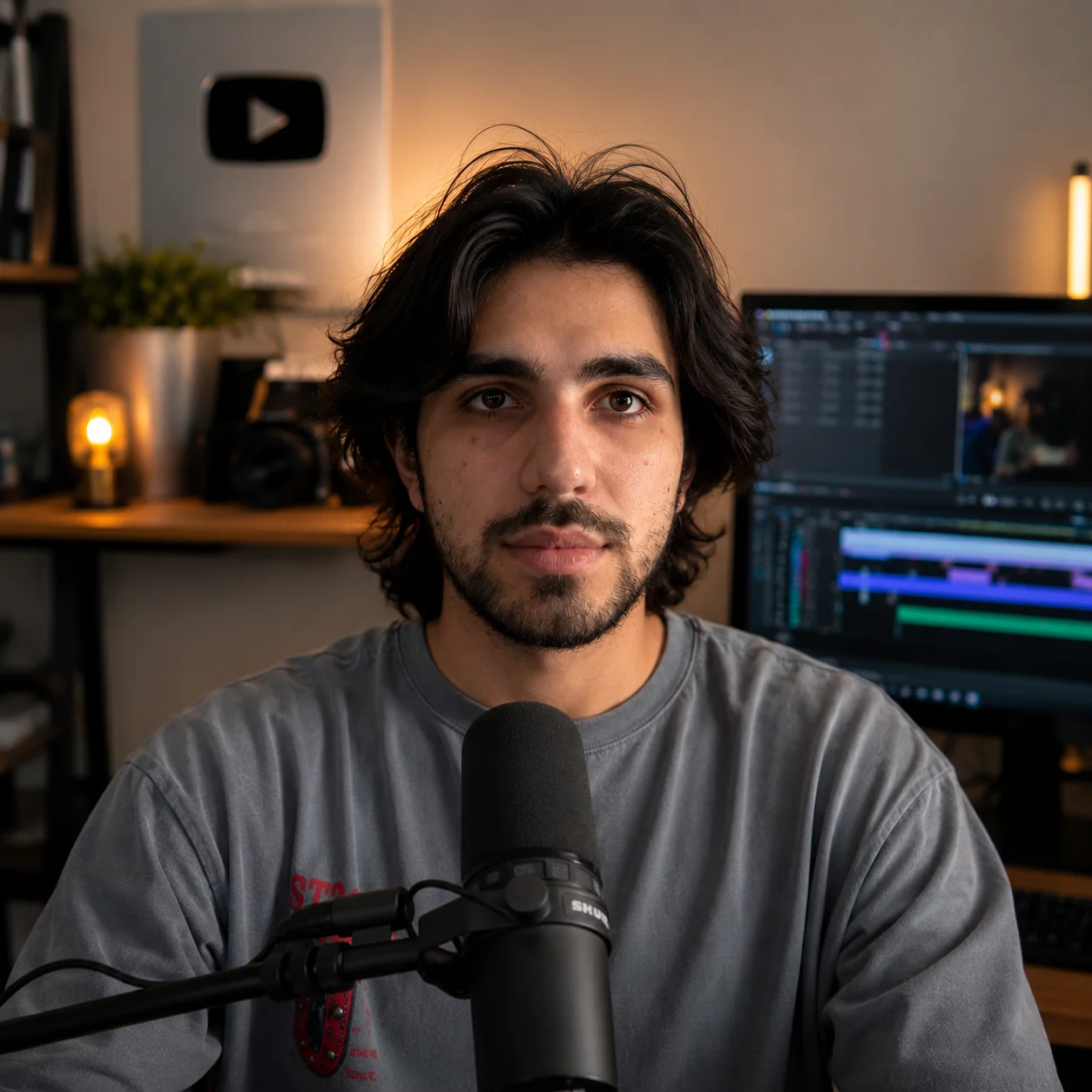
Get your talking avatar video
Write a script and VClip generates a lifelike talking avatar video, ready to post.
Pick a voice or record your own
Choose from dozens of AI voices, or upload your own audio instead.
From photo to talking video in 3 steps
No camera, no filming, no editing experience required.
Upload a photo
Use your own face, a client's headshot, or any photo — no camera or filming required.
Pick a voice or record your own
Choose from dozens of natural AI voices, or upload your own audio instead.
Write a script, get your video
VClip lip-syncs the voice to your photo and renders a lifelike talking avatar video, ready to post.
One photo, endless talking avatars
Built for creators, marketers, and educators who don't want to be on camera.
UGC & product ads
Turn a product photo or founder headshot into a talking spokesperson video — no actor or studio booking needed.
Explainers & tutorials
Animate a static photo to deliver lessons, onboarding videos, or how-to content with a friendly face.
Social & faceless creators
Keep your identity private while still giving your channel a consistent, recognizable face.
Multilingual localization
Reuse one photo across languages — swap the voice and script to localize a video in minutes.
Three ways to show your avatar
Split Screen
Avatar on one side, your video content or b-roll on the other. Most popular format on TikTok and short-form videos for commentary and reaction-style videos.
Picture in Picture
Avatar floats in the corner while your main content fills the full screen. Great for tutorial videos where viewers need to see both the presenter and the content clearly.
Full Frame Avatar
Avatar takes the whole frame — perfect for news-style intros, course lesson openers, or any video where you want a human presenter front and center.
Realistic lip-sync, zero filming
Everything you need to turn a still photo into a talking video.
Accurate lip-sync
AI maps your script and voice onto natural mouth movement, frame by frame, for a realistic talking result.
Dozens of AI voices
Pick from a curated voice library, or upload your own recording to keep your real voice.
Works with any photo
A selfie, headshot, illustration, or product photo — no green screen or special lighting needed.
Minutes, not days
Skip the camera, the studio, and the editing timeline. Get a finished talking avatar video in minutes.
Auto captions included
Every talking avatar video can be exported with burned-in captions, ready for TikTok, Reels, and Shorts.
Export for every platform
Render in 9:16, 1:1, or 16:9 so your talking avatar fits TikTok, Instagram, YouTube, or LinkedIn.
Common questions
Turn your next photo into a talking avatar
No camera, no studio, no editing experience needed.